Contact Form 7 only ever tries to email you. If SMTP is down, misconfigured, or just quietly fails, the lead is gone — no record, no way to know. AIO LeadDefense saves every submission straight to your database first, so nothing depends on email arriving.
A live simulation of a real Contact Form 7 submission, with SMTP delivery intentionally broken.
Contact Form 7 hands submissions straight to your mail server. When that server refuses the message, the enquiry is discarded with it. As a Contact Form 7 database plugin, AIO LeadDefense writes every submission to your database first, so delivery becomes a convenience rather than a single point of failure.
Every submission is written to your own database the moment it arrives, before any mail is attempted.
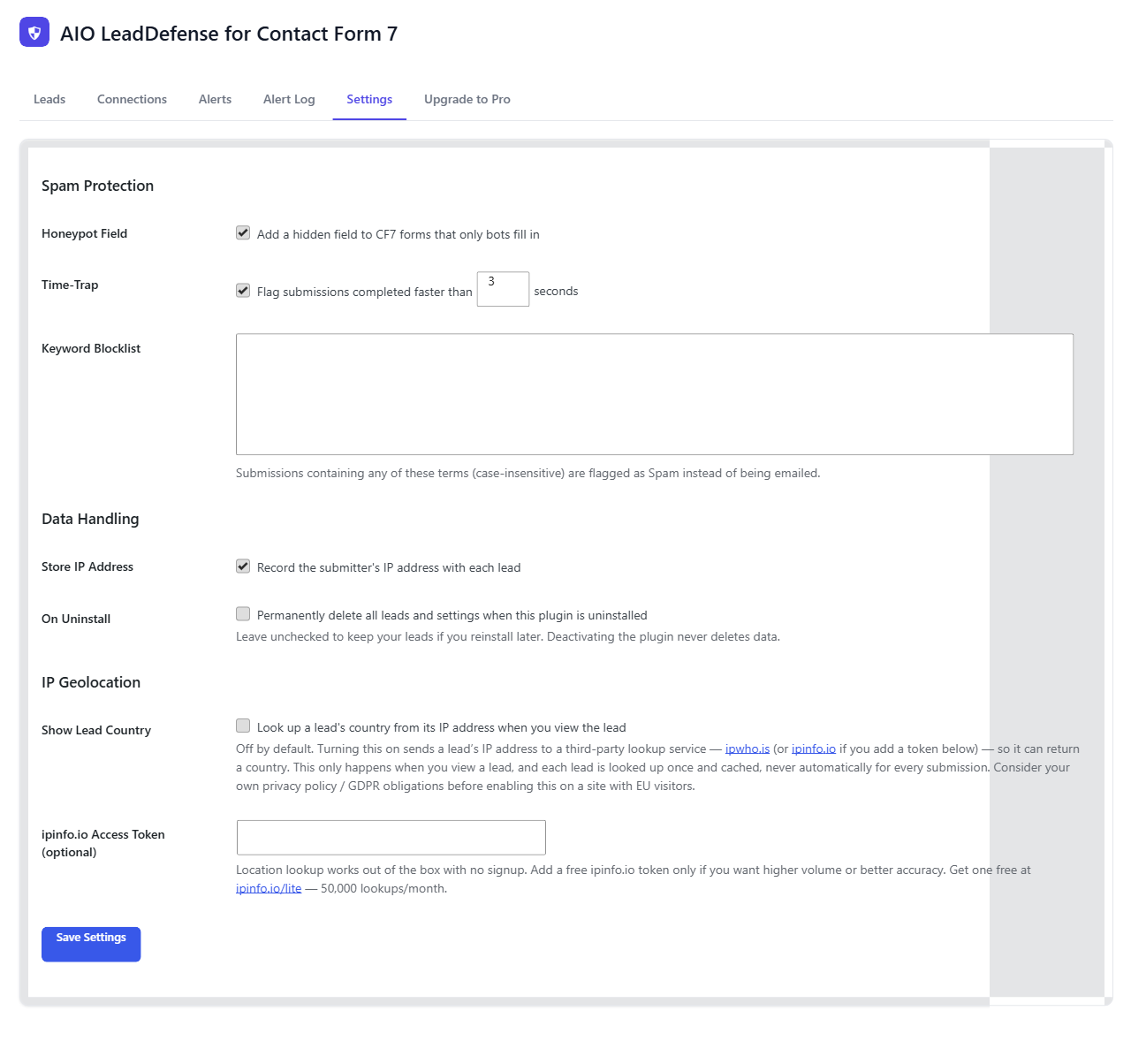
Obvious bot traffic is flagged on the way in, so the record you keep stays readable.
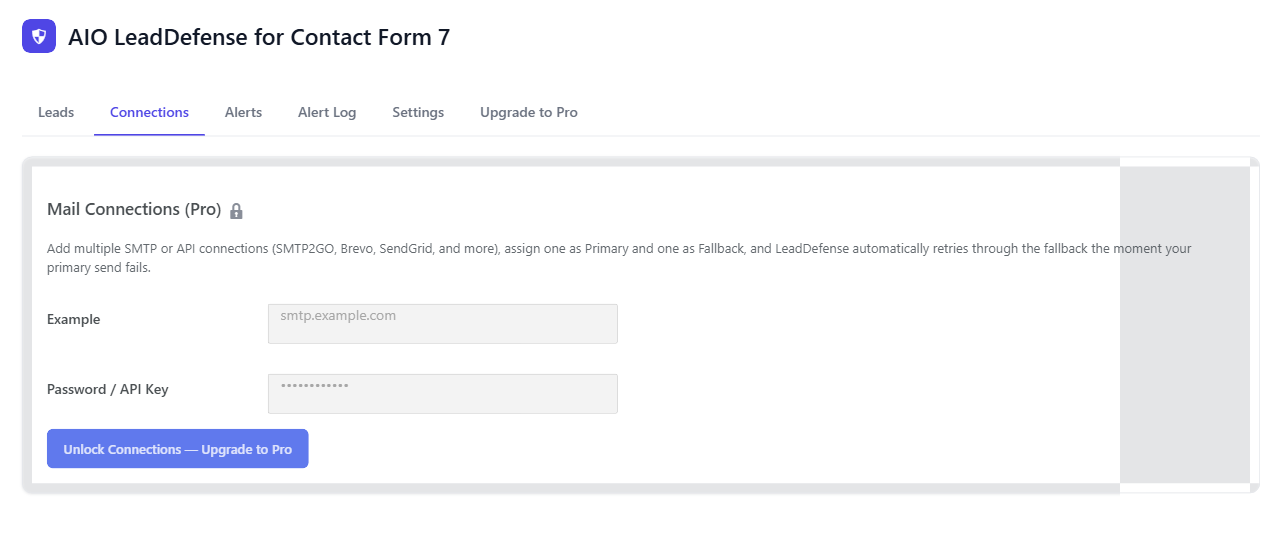
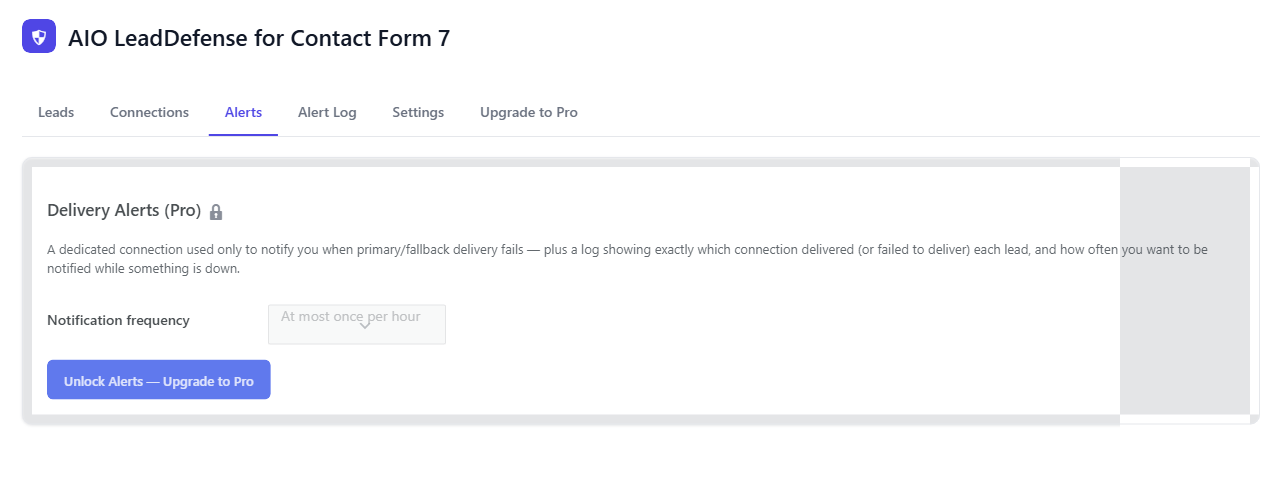
When the primary mail route fails, delivery is retried through a backup provider you configure.
See which country a lead came from, resolved from their IP on demand. Off by default — turn it on in Settings, no signup required.
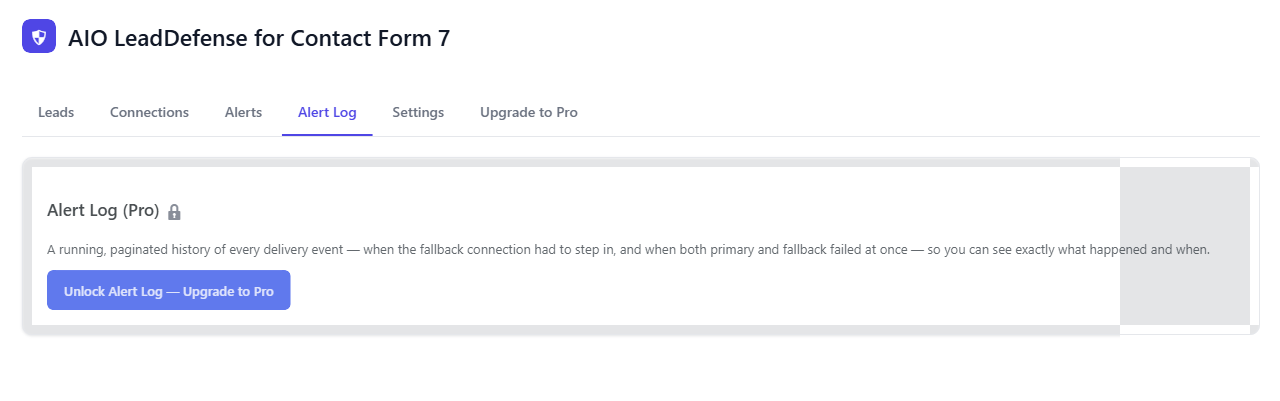
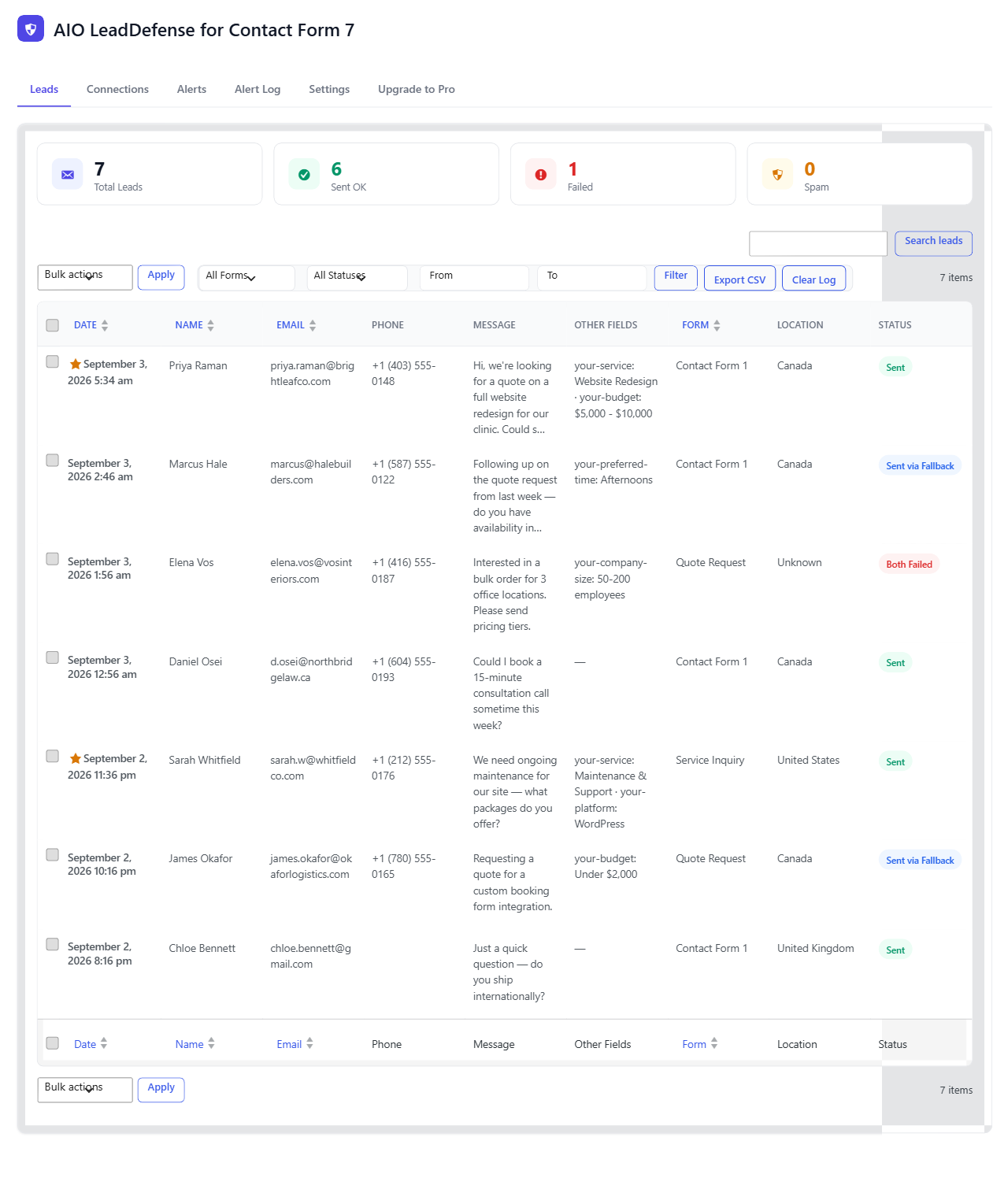
The admin screen lists submissions with their delivery state alongside them. Search by name or content, filter to what never sent, export the lot as CSV.
Real screens from the AIO LeadDefense admin, exactly as they look inside your own WordPress dashboard.
The lookup runs against ipwho.is by default — free, no signup, works immediately once you turn the setting on. For higher volume or better accuracy, add your own free token from ipinfo.io/lite in the same field. Either way, the country only shows up in the Leads table and lead detail view — nothing is queried automatically for every submission, only when you actually open a lead, and each one is looked up exactly once and cached from then on. It's off by default; if you're enabling it on a site with EU visitors, check the provider's privacy policy against your own.
Plugins → Add New → Upload, or drop it in over SSH.
wp plugin install aio-leaddefense-for-cf7.zip
Storage begins on the next submission. No shortcodes, no template edits, no changes to your CF7 mail tab.
✓ storage active · 0 leads
Pro only. Paste a second set of SMTP credentials and test the connection in one click.
failover: smtp2.example.com:587
Try Pro free for 7 days, then a one-time $10 charge — lifetime updates, no subscription. Covered by a 7-day money-back guarantee if you hit a genuine bug we can't resolve. Use code NewAffilate50 at checkout for 50% off, for a limited time.
In a dedicated table in your site's own WordPress database. Nothing is sent to a third-party service, and the data leaves with your backups.
No. It sits alongside whatever you already use to send mail and records the outcome of each attempt. Pro adds a second route for when the first one fails.
They cannot be recovered — nothing kept a copy. Storage applies from activation forward.
One-time, for a single site licence with lifetime updates. The free tier stays free and needs no licence at all.
Pro comes with a 7-day free trial, so you can set up failover and see it working before you're charged. After purchase, AIO LeadDefense is also covered by a 7-day money-back guarantee if something's genuinely broken and we can't resolve it for you.
It makes it more relevant, not less. Contact Form 7 is now in maintenance mode (security and bug fixes only, per its creator's April 2026 announcement) — so database storage and SMTP failover were never going to be added to core. AIO LeadDefense fills that specific gap as an add-on, and keeps working the same way regardless of Contact Form 7's own release schedule.
7-day free trial · 7-day money-back guarantee · 50% off with code NewAffilate50